Building Aeryx Hub: A Web Platform for a Growing AWS Student Builder Group
The problem
AWS SBG Aeris grew past 100 active members. Announcements lived in group chats, membership applications came through scattered forms, and our schedule of events was hard to find. As lead, I was the single point of failure for all of it.
Before writing any code, I listed the problems I was personally facing and turned them into requirements:
- Members need one place for announcements and events.
- Applicants need a clear, self-service way to apply.
- Officers need less manual coordination and a single source of truth.
- The community needs a public face explaining who we are and why to join.
What Aeryx Hub does
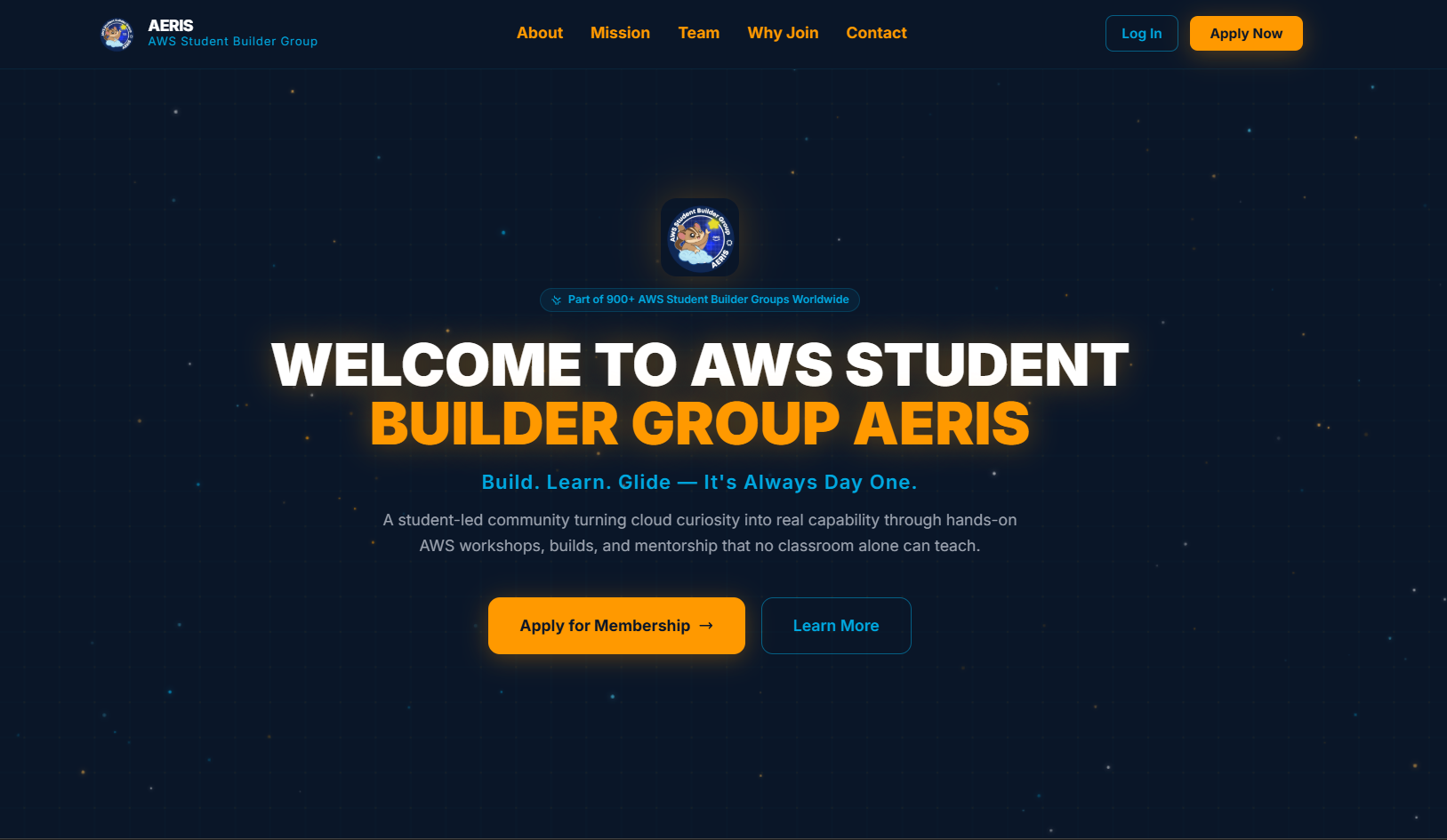
- Public landing page: mission and vision, core team, reasons to join, and a contact form.
- Membership application: a dedicated apply page so new members can request to join.
- Authentication: a login flow that gives members access to the portal.
- Member portal: a personal dashboard to track certifications, view announcements, and update a profile.
- Announcements and events: early access to AWS events and opportunities.
- Calendar of Activities (COA): the community's schedule of events and activities in one place.
- Core Team section: loaded dynamically rather than hard-coded, so leadership changes do not require redeploying the page.
Architecture and tech stack
- Frontend: HTML, CSS, and JavaScript, styled with Tailwind CSS.
- Backend / API: Node.js with Express.
- Database: MySQL.
- Media: Cloudinary for image uploads.
- Email: SendGrid for automated notifications to accepted members.
- Hosting: Render.
A small design choice that paid off: dynamic content such as the team list is fetched from the backend, so the page shows a loading state first and then renders the data. Content changes become data changes, not code changes.
Deployment on Render
I deployed on Render because it makes GitHub-based deploys simple and has a free tier that fits a student community budget. On the free tier, the service spins down after inactivity, so the first visit can take 30 to 60 seconds while the server wakes up.
Instead of hiding this, I added a visible banner explaining that the server is waking up and will load automatically. Good UX is often about setting expectations when you cannot remove a limitation.
Trade-off: zero hosting cost versus cold-start latency.
Possible fixes: a paid always-on instance, a scheduled keep-alive ping, or a lighter static landing page with only the portal on the backend.
Challenges and lessons
- Cold starts. Solved with user-facing messaging first, with infrastructure upgrades as a later option.
- Designing from real pain points. Starting from my own workflow problems kept the scope small and useful.
- Keeping data in sync. Stats on a landing page go stale fast. Ours showed 60+ members while we had passed 100, which is a good argument for pulling counts from the database instead of hard-coding them.
What is next
- Dynamic member and event counts pulled straight from the database.
- Improvements to certification tracking and event RSVPs.
- Reducing cold-start impact and improving overall performance.
Takeaway
You do not need a big product idea to build something valuable. You need a real problem, a clear list of requirements, and the willingness to ship, then improve. Aeryx Hub started as a fix for my own coordination headaches and became the home base for a community of 100+ builders.
Try it here: aeryxhub.onrender.com